


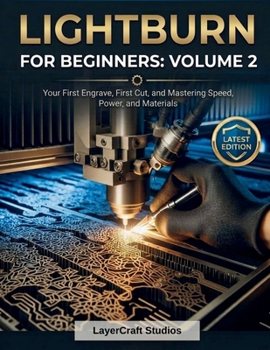
Lightburn for Beginners: VOLUME 2: Your First Engrave, First Cut, and Mastering Speed, Power, and Materials
No Customer Reviews

Learning the LightBurn interface is one step. Using your laser with confidence is the next.Many beginners understand the basics of the software but still feel unsure when it is time to engrave real material, dial in cut settings, or understand why one result works and another does not. This book is designed to help close that gap. It walks you through your first engraving project, your first cutting project, and the practical settings knowledge behind both. You will learn how speed, power, passes, DPI, line interval, overscan, and min/max power affect your results, along with how common laser materials behave during engraving and cutting. The book also covers material safety, starter settings, testing workflow, and how to build a stronger understanding of what your machine is doing. What makes this volume different is that it goes beyond copying settings. It helps you understand how to evaluate your results, how to troubleshoot weak or overburned output, and how to make smarter adjustments based on material type, laser strength, and project goals. That makes it useful for beginners who want practical understanding, not just trial and error.
For readers searching for a LightBurn settings guide, a beginner laser engraving book, a laser cutting guide, or help with speed and power settings, Volume 2 offers a clear and applied next step.
For readers searching for a LightBurn settings guide, a beginner laser engraving book, a laser cutting guide, or help with speed and power settings, Volume 2 offers a clear and applied next step.
Format:Paperback
Language:English
ISBN:B0GXZ2K8Z7
ISBN13:9798258179333
Release Date:April 2026
Publisher:Independently Published
Length:126 Pages
Weight:0.68 lbs.
Dimensions:0.3" x 8.5" x 11.0"
Customer Reviews
0 rating
Copyright © 2026 Thriftbooks.com
Terms of Use | Privacy Policy | Do Not Sell/Share My Personal Information | Cookie Notice | Cookie Preferences | Accessibility Statement
ThriftBooks ® and the ThriftBooks ® logo are registered trademarks of Thrift Books Global, LLC
ThriftBooks ® and the ThriftBooks ® logo are registered trademarks of Thrift Books Global, LLC
