


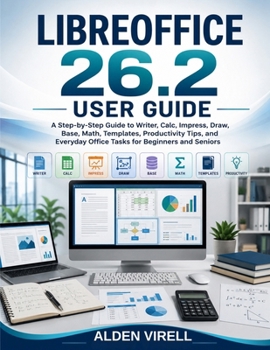
Libreoffice 26.2 User Guide

LibreOffice 26.2 User Guide
Do office software menus, formulas, file formats, and unfamiliar tools leave you feeling overwhelmed? LibreOffice 26.2 User Guide is a clear, practical companion designed to help beginners and seniors create professional documents, organize information, complete everyday office tasks, and work with greater confidence.
Written in simple language and organized into easy-to-follow lessons, this guide introduces the complete LibreOffice suite without unnecessary technical complexity. You will learn how to write and format polished documents in Writer, manage budgets and calculations in Calc, create engaging presentations in Impress, design diagrams in Draw, organize records in Base, and insert mathematical expressions with Math.
Inside, you will discover how to:
Install and navigate LibreOffice 26.2 confidentlyCreate reports, letters, resumes, tables, and long documentsBuild budgets, formulas, charts, filters, and expense trackersDesign presentations, flowcharts, diagrams, and visual materialsManage customer, student, inventory, and membership recordsUse templates, styles, AutoCorrect, AutoText, and shortcutsProtect files, maintain privacy, recover work, and create backupsShare documents in Microsoft Office formats and export polished PDFsComplete realistic projects that reinforce every major skillWhether you are a student, senior, teacher, entrepreneur, home user, or office worker, this guide helps you move from uncertainty to independence-one practical task at a time.
Customer Reviews
ThriftBooks ® and the ThriftBooks ® logo are registered trademarks of Thrift Books Global, LLC
