


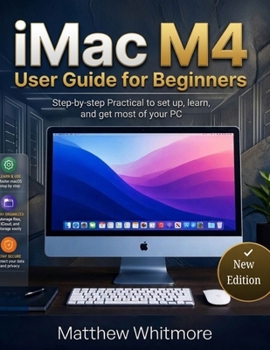
iMac M4 User Guide for Beginners: Step-by-Step Practical to Set up, Learn and Get Most of your PC. 2026 Edition

Unlock the full potential of your iMac M4 with this comprehensive, easy-to-follow user guide. Whether you're a first-time Mac user, switching from Windows, or a creative professional looking to maximize productivity, this guide provides clear instructions, insider tips, and practical solutions for every iMac M4 task.
Inside, you will learn how to:
Set up your iMac M4 quickly and efficiently for the first time.Navigate macOS like a pro with step-by-step instructions.Organize files, folders, and apps for peak productivity.Use built-in apps such as Pages, Numbers, Keynote, Photos, iMovie, and GarageBand.Connect and manage devices including AirPods, printers, external drives, and cameras.Protect your data with Time Machine backups and iCloud.Maintain performance with system updates, cleaning tips, and troubleshooting.Solve common problems including Wi-Fi issues, app crashes, keyboard/mouse troubleshooting, and Apple ID or Touch ID errors.Leverage Apple Intelligence and smart macOS features to simplify daily tasks.This guide is written from the perspective of a user who has experienced the iMac M4 firsthand, sharing practical insights, real-world tips, and professional advice to make your iMac experience smooth, enjoyable, and stress-free.
Perfect for students, home users, creative professionals, and office workers, this guide helps you get the most out of your iMac M4, whether for work, study, creativity, or entertainment.
Take control of your iMac and discover how simple it is to maximize productivity, creativity, and efficiency with Apple's all-in-one desktop computer.
Customer Reviews
ThriftBooks ® and the ThriftBooks ® logo are registered trademarks of Thrift Books Global, LLC
