


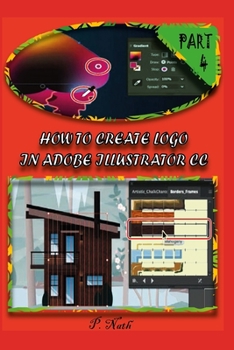
How to Create LOGO in Adobe Illustrator CC Part 4: The Artwork For A Real Estate App Design Step By Step
No Customer Reviews

Layers let you organize your work into distinct levels that can be edited and viewed individually or together. Every Adobe Illustrator CC document has at least one layer. Creating multiple layers in your artwork lets you easily control how artwork is printed, displayed, selected, and edited.In this lesson, you'll organize the artwork for a real estate app design as you explore various ways to work with layers in the Layers panel.The variety of brush types in Adobe Illustrator CC lets you create a myriad of effects simply by painting or drawing with the Paintbrush tool or the drawing tools. You can work with the Blob Brush tool; choose from the Art, Calligraphic, Pattern, Bristle, or Scatter brushes; or create new brushes based on your artwork.In this lesson, you will learn how to work with the different brush types in the Brushes panel and how to change brush options and create your own brushes. Before you begin, you'll restore the default preferences for Adobe Illustrator CC. Then you'll open the finished art file for the lesson to see the finished artwork.
Format:Paperback
Language:English
ISBN:B08NXB24P4
ISBN13:9798570053878
Release Date:November 2020
Publisher:Independently Published
Length:170 Pages
Weight:0.57 lbs.
Dimensions:0.4" x 6.0" x 9.0"
Customer Reviews
0 rating
Copyright © 2026 Thriftbooks.com Terms of Use
| Privacy Policy | Do Not
Sell/Share My Personal Information | Cookie Policy | Cookie Preferences | Accessibility Statement
ThriftBooks® and the ThriftBooks® logo are registered trademarks of Thrift Books Global, LLC
ThriftBooks® and the ThriftBooks® logo are registered trademarks of Thrift Books Global, LLC
