


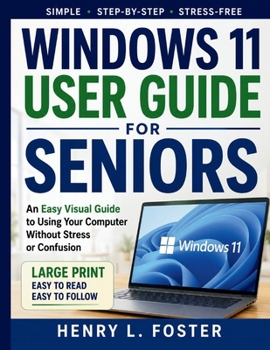
Windows 11 User Guide for Seniors: An Easy Visual Guide to Using Your Computer Without Stress or confusion

WINDOWS 11 USER GUIDE FOR SENIORS
An Easy Visual Guide to Using Your Computer Without Stress or Confusion
Do you want to use your Windows 11 computer with greater confidence, even if technology sometimes feels overwhelming?
This practical beginner-friendly guide is designed specifically for seniors who want clear, simple instructions without confusing technical jargon. Whether you are using a computer for the first time, upgrading from an older version of Windows, or simply looking for a straightforward reference guide, this book will help you navigate Windows 11 step by step.
Written in plain English and organized for easy learning, this guide focuses on the tasks people use every day-helping you become more comfortable, independent, and productive with your computer.
Inside, you'll learn how to:
- Understand the Windows 11 desktop and Start menu
- Use a mouse, keyboard, and touchscreen with confidence
- Connect to the internet and browse safely online
- Send and receive emails with ease
- Organize files, folders, and photos
- Customize settings for easier viewing and accessibility
- Download and manage apps from the Microsoft Store
- Make video calls with family and friends
- Protect your computer from scams, viruses, and online threats
- Troubleshoot common problems without frustration
- Back up important documents and photos
- Use built-in Windows tools to simplify everyday tasks
The book also includes easy-to-follow illustrations, practical examples, large-print-friendly formatting, and helpful tips designed to make learning less stressful and more enjoyable.
Whether your goal is staying connected with loved ones, managing personal documents, exploring the internet, or simply becoming more comfortable with technology, this guide provides the support and encouragement you need every step of the way.
Take the confusion out of Windows 11 and discover how simple modern computing can be.
Customer Reviews
ThriftBooks ® and the ThriftBooks ® logo are registered trademarks of Thrift Books Global, LLC
