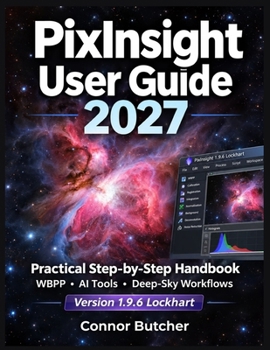
PixInsight User Guide 2027: Practical Step-by-Step Handbook to Master Astrophotography Image Processing, WBPP, AI Tools, Deep-Sky Workflows & Troubles

Your telescope captured the data. Now make it count.
The data is there, but the next processing step is not always clear.
Background correction, stretching, or noise reduction can reveal detail-or damage it.
Outdated instructions and scattered tutorials make it difficult to know which workflow fits the installed version.
Written by Connor Butcher, this practical handbook is built around PixInsight 1.9.6 Lockhart. Across eight chapters, it progresses from installation and image data to complete processing projects. It explains what a process does, why and when to use it, and how to assess the result-without requiring professional astronomy or coding experience.
Learn to:
Install and navigate PixInsight.Organise FITS files and projects.Calibrate with WBPP and FBPP.Register and integrate exposures.Correct gradients and backgrounds.Calibrate natural colour.Stretch linear images.Build masks and use PixelMath.Reduce noise and sharpen.Apply deconvolution and AI-assisted tools.Separate stars and process starless images.Recombine stars with fewer artifacts.Process OSC and LRGB data.Develop SHO and HOO narrowband images.Adapt workflows for DSLR, cooled cameras, and smart telescopes.Free tutorials help with individual tasks, but this guide connects the stages through complete OSC galaxy, emission-nebula, and monochrome SHO projects. It also addresses common WBPP, calibration, registration, colour, noise, masking, and star-recombination problems. Native processes, community scripts, and commercial plugins are distinguished, so readers can judge optional tools before buying. Results still depend on source data and careful practice; the aim is informed, repeatable decisions-not instant perfection.
If you want a clearer PixInsight workflow, then get your copy and start with the fundamentals.
Customer Reviews
ThriftBooks ® and the ThriftBooks ® logo are registered trademarks of Thrift Books Global, LLC