


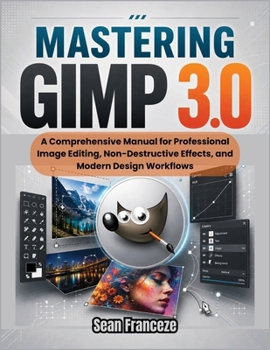
Mastering Gimp 3.0: A Comprehensive Manual for Professional Image Editing, Non-Destructive Effects, and Modern Design Workflows

Master GIMP 3.0 - The Free, Pro-Grade Image Editor Built for Modern Design
GIMP 3.0 is the biggest leap the open-source image editor has ever made - and this is the hands-on guide that turns its power into real results. Whether you're upgrading from GIMP 2.10 or switching from Photoshop or Affinity, Mastering GIMP 3.0 takes you from setup to professional output without subscriptions, watermarks, or compromise.
Inside this practical, step-by-step manual you'll learn how to:
Work non-destructively with live GEGL filters, adjustable shadows, glows, and blurs you can edit anytimeTransform multiple layers at once and organize 100+ layer projects with searchable layer groupsMaster selections and masking using Paint Select, improved foreground matting, and B zier pathsRetouch like a pro with frequency separation, smart healing, and object removal without texture tilingPrepare print-ready files using native CMYK soft proofing, ICC profiles, and RAW workflowsOptimize for the web with WebP, AVIF, batch processing, and social media presetsAutomate your workflow by writing and porting Python 3 scripts and one-click filtersMove files seamlessly with enhanced PSD import/export and Inkscape/Blender bridgingEvery chapter pairs clear instructions with troubleshooting "Solution" sections that fix the exact problems that slow editors down - interface lag, jagged edges, missing fonts, blurry clones, broken PSD layers, and plugin crashes. You'll finish with three complete real-world projects: a commercial poster, a magazine-style portrait retouch, and a responsive web UI mockup.
Stop fighting your software and start creating. Whether you're a photographer, designer, digital artist, or hobbyist, this is your complete roadmap to professional image editing with the world's most powerful free editor.
Scroll up and grab your copy of Mastering GIMP 3.0 today.
Customer Reviews
ThriftBooks ® and the ThriftBooks ® logo are registered trademarks of Thrift Books Global, LLC
