


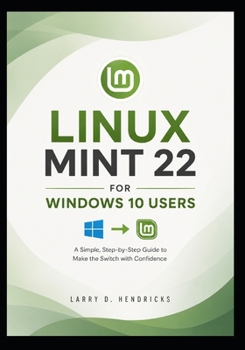
Linux Mint 22 for Windows 10 Users

Linux Mint 22 for Windows 10 Users is the practical, beginner-friendly guide for anyone ready to leave Windows 10 behind and switch to a faster, more secure, and modern operating system. Whether your PC is slowing down, no longer receiving the support you need, or you're simply looking for a reliable alternative, this book walks you through every step of the transition with clear instructions and real-world guidance.
Designed specifically for Windows 10 users with little or no Linux experience, this guide removes the confusion from switching operating systems. You'll learn how to install Linux Mint 22 safely, move your important files, replace familiar Windows applications with free Linux alternatives, and confidently use your computer for everyday work, study, and entertainment.
Inside this book, you'll learn how to:
- Check whether your PC is ready for Linux Mint 22
- Create a bootable USB and install Linux Mint with confidence
- Choose between dual booting and replacing Windows completely
- Transfer documents, photos, music, and other personal files safely
- Replace Microsoft Office, Notepad, Paint, and other Windows apps with powerful free alternatives
- Connect printers, Wi-Fi, Bluetooth devices, and external storage
- Install and update software using Software Manager and Flatpak
- Improve performance on older computers with simple optimization techniques
- Protect your system using Timeshift backups and built-in security features
- Troubleshoot common issues involving drivers, audio, Wi-Fi, and updates
- Customize Linux Mint to feel comfortable and familiar for former Windows users
Written in a clear, step-by-step style, this book focuses on practical skills instead of technical jargon. Every chapter is designed to help you build confidence while learning how to use Linux Mint as your primary operating system.
If you're ready to breathe new life into an aging PC, improve your privacy, and enjoy a fast, stable, and user-friendly computing experience, Linux Mint 22 for Windows 10 Users will help you make the switch with confidence.
Customer Reviews
ThriftBooks ® and the ThriftBooks ® logo are registered trademarks of Thrift Books Global, LLC
