


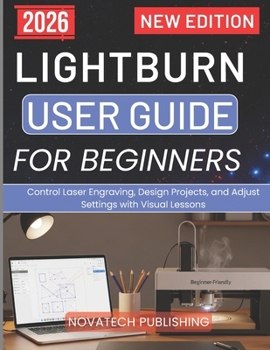
Lightburn User Guide for Beginners 2026: Control Laser Engraving, Design Projects, and Adjust Settings with Visual Lessons

Are you struggling to understand how to use LightBurn without wasting materials, making mistakes, or feeling overwhelmed by all the settings?
Have you ever opened LightBurn and thought, "Where do I even start and how do I get clean, professional results like others do?"
LightBurn User Guide for Beginners 2026 is the practical, step-by-step solution that turns confusion into confidence.
Whether you're completely new to laser engraving or tired of trial-and-error results, this guide walks you through everything you need to know in a clear, simple, and hands-on way. Instead of guessing your way through menus and settings, you'll learn exactly how LightBurn works and how to use it like a pro from day one.
Inside this guide, you'll discover how to confidently set up your laser, navigate the LightBurn interface, design stunning projects, and dial in the perfect cut and engraving settings for consistent, high-quality results. No technical overload just real-world guidance that works.
You'll learn how to:
Set up LightBurn and connect your laser without frustration
Understand your machine type (diode, CO₂, fiber, or galvo) and choose the right settings
Design, import, and edit artwork with precision
Master layers, colors, and operation modes for perfect results every time
Optimize power, speed, and engraving settings to avoid costly mistakes
Use advanced tools like camera alignment, rotary attachments, and material testing
Troubleshoot common errors and improve your workflow for faster, cleaner output
This book doesn't just teach you the software it helps you build real skills. You'll move from basic projects to confident, professional-level engraving with less waste, less stress, and far better results.
If you're ready to stop guessing, start creating, and finally take full control of your laser projects, LightBurn User Guide for Beginners 2026 is your complete roadmap to mastering LightBurn with ease.
Customer Reviews
ThriftBooks ® and the ThriftBooks ® logo are registered trademarks of Thrift Books Global, LLC
