


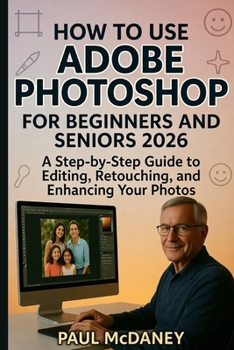
How to Use Adobe Photoshop for Beginners and Seniors 2026

Finally, a Photoshop guide made simple - especially for beginners and seniors.
Have you ever opened Adobe Photoshop and felt overwhelmed by all the tools, panels, and buttons?
You're not alone.
This step-by-step guide removes the confusion and teaches you Photoshop in a clear, calm, and beginner-friendly way - no technical jargon, no complicated explanations.
Whether you're:
A complete beginner
A senior learning digital editing
A hobby photographer
Someone who wants to restore old family photos
Or simply curious about Photoshop
This book walks you through everything you need - slowly, clearly, and confidently.
Inside This Book, You'll Learn:
How to install and set up Photoshop properly
How to understand the interface without confusion
How to use layers the right way
How to retouch photos and remove blemishes
How to adjust brightness, contrast, and color
How to add text and create simple designs
How to avoid common beginner mistakes
How to export and share your work safely
Time-saving shortcuts that make editing easier
Plus, simple practice exercises designed specifically for seniors and beginners.
No prior experience required.
No graphic design background needed.
Just open Photoshop and follow along.
By the end of this book, you'll feel confident editing photos, creating simple projects, and exploring Photoshop without fear.
Start your Photoshop journey today.
Customer Reviews
ThriftBooks ® and the ThriftBooks ® logo are registered trademarks of Thrift Books Global, LLC
