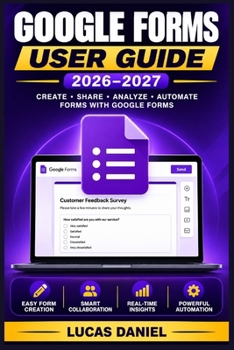
Google Forms User Guide 2026-2027: Build Powerful Surveys, Quizzes, and Data Collection Tools Step by Step

Problems You Might Face:
Struggling to collect accurate, organized data through messy paper forms or cluttered email threads.
Spending excessive hours manually grading quizzes and reviewing unstructured survey responses.
Lacking technical guidance on setting up advanced features like conditional branching, data privacy rules, and automated spreadsheet syncing.
Introduce the Book:The Google Forms User Guide is your complete, step-by-step roadmap to mastering Google Forms from scratch. Whether you are a small business owner, educator, or independent professional, this practical guide takes you from an uncertain beginner to a confident user capable of creating professional surveys, quizzes, and automated data collection tools without needing any prior technical background.
What You Will Discover in the Book:Essential data privacy practices and two-factor authentication setup to secure your account and protect respondent information.
A complete, guided tour of the interface, including question editors, the settings panel, and real-time response tracking.
Step-by-step instructions for building surveys, setting up response validation, and converting standard forms into self-grading quizzes.
Advanced techniques like conditional branching, section navigation, and integrating powerful third-party add-ons.
Best practices for designing polished, branded forms and analyzing responses through Google Sheets and CSV exports.
Get Your Copy Here to Master Google Forms Today ]
Customer Reviews
ThriftBooks ® and the ThriftBooks ® logo are registered trademarks of Thrift Books Global, LLC