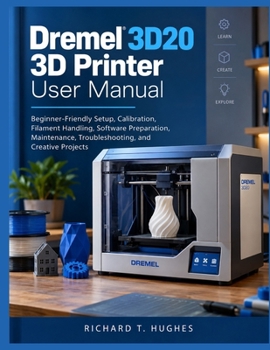
Dremel 3D20 3D Printer User Manual: Beginner-Friendly Setup, Calibration, Filament Handling, Software Preparation, Maintenance, Troubleshooting, and C

Are you tired of failed 3D prints, poor first layers, and filament problems that leave you wondering what went wrong?
Do leveling, file preparation, touchscreen controls, and print-quality settings feel confusing when you simply want a successful build?
Would you like a beginner-friendly guide that shows you how to set up, operate, troubleshoot, and maintain your Dremel 3D20 with confidence?
DREMEL 3D20 3D PRINTER USER MANUAL is a practical step-by-step companion created for beginners, hobbyists, and home makers who want to understand their printer without unnecessary technical confusion. It covers setup, calibration, filament handling, software preparation, maintenance, troubleshooting, and creative projects.
Inside, you'll learn how to:
- Unbox and set up your Dremel 3D20 safely
- Master the touchscreen, menus, controls, and printer status
- Prepare and level the build platform correctly
- Load, unload, and store 1.75 mm PLA filament
- Prepare models and machine-ready build files
- Start, monitor, complete, pause, or cancel prints safely
- Improve first-layer adhesion and overall print quality
- Reduce stringing, gaps, rough surfaces, warping, and failed builds
- Diagnose extrusion, nozzle, filament-feed, and platform problems
- Clean and maintain the printer for dependable long-term use
- Complete practical projects that build real 3D-printing skills
The book progresses from understanding the printer and first startup through platform leveling, filament management, model preparation, printing, troubleshooting, maintenance, workflow improvement, and practical projects.
Instead of changing multiple settings whenever something goes wrong, this guide teaches a controlled troubleshooting method: identify the symptom, check the simplest likely cause, make one correction, and test again using a small known-good model.
Spend less time guessing, wasting filament, and restarting failed prints.
Take control of your Dremel 3D20 and start creating more reliable, accurate, and successful 3D prints with confidence.
Customer Reviews
ThriftBooks ® and the ThriftBooks ® logo are registered trademarks of Thrift Books Global, LLC