


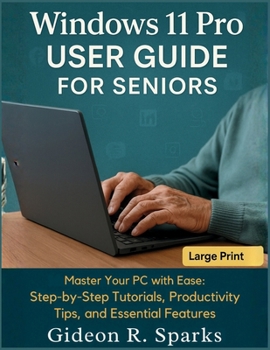
Windows 11 Pro User Guide for Seniors: Master Your PC with Ease: Step-by-Step Tutorials, Productivity Tips, and Essential Features

Are you a senior eager to make the most of your Windows 11 Pro PC-but not sure where to begin? Whether you're setting up your device for the first time or exploring powerful new features, this large-print, step-by-step guide makes learning Windows 11 Pro easy, accessible, and stress-free.
Written with clarity and care, Windows 11 Pro User Guide for Seniors offers detailed instructions, practical tips, and real-life examples designed specifically for older adults and beginners. You'll discover how to navigate your PC with ease, personalize settings for comfort, protect your data, and use built-in tools to stay connected, productive, and entertained.
From the new Start menu and taskbar to Snap Layouts, OneDrive cloud sync, Microsoft Edge browsing, and privacy settings, every chapter is crafted to help you feel at home with your technology-without the jargon or confusion.
Inside, You'll Learn How To:Set up your device securely with a Microsoft or local account
Navigate the Windows 11 interface with ease
Use the internet, email, and apps with confidence
Customize accessibility settings like text size, dark mode, and voice typing
Manage files, photos, and cloud backups
Stay safe online with built-in security tools like Windows Defender and BitLocker
Troubleshoot common problems-before calling for help
Whether you're using your PC for the first time or upgrading from Windows 10, this guide provides the friendly, patient support you've been looking for.
✅ Perfect for:Seniors and retirees
New Windows users
Family members helping older loved ones
Anyone seeking a large-print, user-friendly manual
Customer Reviews
ThriftBooks ® and the ThriftBooks ® logo are registered trademarks of Thrift Books Global, LLC
