


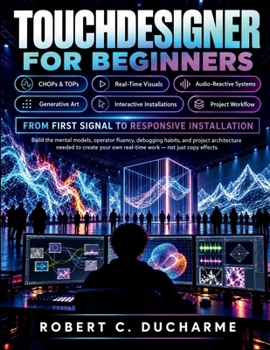
Touchdesigner for Beginners: A Practical Guide to CHOPs, TOPs, Real-Time Visuals, Audio-Reactive Systems, Generative Art & Interactive Installations

Turn your ideas into responsive visuals, interactive experiences, and real-time installations with TouchDesigner.
TouchDesigner can look intimidating when you first open it. Networks, operators, signals, textures, parameters, and unfamiliar terminology can quickly become overwhelming.
TOUCHDESIGNER FOR BEGINNERS is designed to change that.
Instead of teaching you to simply copy impressive effects, this practical guide helps you understand how TouchDesigner actually works-so you can confidently build, troubleshoot, modify, and create projects of your own.
Inside, you'll learn how to:
- Understand the TouchDesigner interface and think naturally in operator networks
- Master CHOPs and TOPs for control signals, animation, image processing, and visual effects
- Build responsive audio-reactive visual systems
- Work with cameras, computer vision, mouse, keyboard, touch, MIDI, and OSC
- Create compelling generative art and feedback systems
- Organize projects with reusable components and professional architecture
- Improve performance, diagnose errors, and troubleshoot unstable networks
- Prepare projects for displays, galleries, performances, and long-running installations
- Build complete projects including a Responsive Light Wall, Audio-Visual Environment, and Interactive Gallery Piece
You'll also get practical exercises, guided builds, troubleshooting strategies, operator patterns, deployment guidance, and hands-on challenges that progressively develop your skills.
Whether you're a visual artist, musician, creative technologist, designer, student, performer, or complete beginner, this guide gives you a clear path from your first signal to a polished responsive installation.
Stop copying networks you don't understand. Start building systems you can explain, control, and make your own.
Click BUY NOW and begin creating with TouchDesigner today.
Customer Reviews
ThriftBooks ® and the ThriftBooks ® logo are registered trademarks of Thrift Books Global, LLC
