


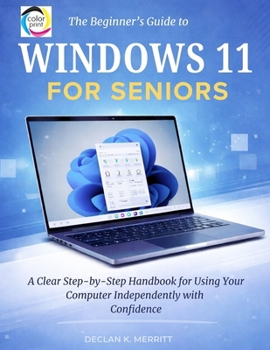
The Beginner's Guide to Windows 11 for Seniors: A Clear Step-by-Step Handbook for Using Your Computer Independently with Confidence
No Customer Reviews

This book is an independent publication and is not affiliated with or endorsed by Microsoft Corporation. Microsoft and Windows are registered trademarks of Microsoft Corporation.Windows 11 is not complicated; it's simply organized differently.For many adults upgrading from Windows 7 or Windows 10, the challenge is not ability - it is orientation. Buttons have moved. Menus are simplified. Layouts feel unfamiliar. What once felt automatic now requires a moment of adjustment. This guide was written for readers who value clarity over clutter. Unlike many technology books that overwhelm with features, shortcuts, and technical terminology, this handbook follows a deliberate progression. It begins with the fundamentals and builds steadily toward confident everyday use - without assuming prior technical knowledge. Inside, you will learn how to: Navigate the Windows 11 interface with confidenceUse the desktop, Start menu, and taskbar efficientlyManage files, folders, and storage without frustrationConnect to Wi-Fi and browse the internet safelySet up and use email for everyday communicationAdjust display and accessibility settings for comfortInstall and manage applicationsProtect your computer from scams and security risksBack up important files and keep your system updatedTroubleshoot common issues calmly and methodicallyEach section is structured for steady learning. Explanations are direct with practical instructions. Nothing is rushed. If you are ready to navigate Windows 11 comfortably, organize your digital life more efficiently, and use your computer with greater independence, this book provides the steady, practical guidance to help you do exactly that.
Format:Paperback
Language:English
ISBN:B0GQPQY5L3
ISBN13:9798249551711
Release Date:February 2026
Publisher:Independently Published
Length:204 Pages
Weight:1.07 lbs.
Dimensions:0.4" x 8.5" x 11.0"
Customer Reviews
0 rating
Copyright © 2026 Thriftbooks.com
Terms of Use | Privacy Policy | Do Not Sell/Share My Personal Information | Cookie Policy | Cookie Preferences | Accessibility Statement
ThriftBooks ® and the ThriftBooks ® logo are registered trademarks of Thrift Books Global, LLC
ThriftBooks ® and the ThriftBooks ® logo are registered trademarks of Thrift Books Global, LLC
