


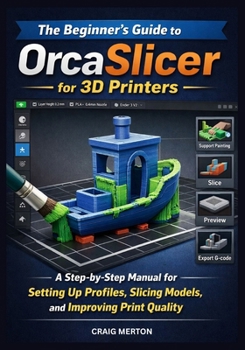
The Beginner's Guide to Orcaslicer for 3D Printers: A Step-by-Step Manual for Setting Up Profiles, Slicing Models, and Improving Print Quality.

Getting clean, reliable 3D prints does not start at the printer. It starts in the slicer.
If OrcaSlicer feels confusing, crowded, or too technical, this book gives you the clarity you need to use it with confidence. Instead of guessing your way through profiles, supports, speeds, temperatures, and calibration settings, you will learn how to understand what each tool does and how to use it the right way for better print results.
The Beginner's Guide to OrcaSlicer for 3D Printers is a practical, beginner-friendly manual designed to help you move from setup to confident slicing without the usual frustration, wasted filament, and repeated print failures.
Inside this book, you will learn how to:
install OrcaSlicer correctly and understand the interfaceset up printer, filament, and print profiles with confidenceimport, orient, and prepare models for cleaner resultsadjust layer height, walls, infill, speed, temperature, and cooling settingsuse supports, brims, rafts, and adhesion tools effectivelypreview toolpaths and catch problems before printingcalibrate flow rate, retraction, temperature, and pressure advancetroubleshoot common print issues such as stringing, warping, poor adhesion, weak layers, and ringingbuild smarter presets for functional parts, display prints, and everyday printingdevelop a long-term slicing workflow that saves time and improves consistencyThis book is written in clear language for beginners, but it is detailed enough to help serious hobbyists improve the way they slice and print. Every chapter is designed to give you practical knowledge you can apply immediately inside OrcaSlicer.
If you are tired of failed prints, confusing settings, and trial-and-error slicing, this guide will help you take control of the process and start producing better prints with less stress.
Get your copy now and start using OrcaSlicer with more confidence, better settings, and stronger results.
Customer Reviews
ThriftBooks ® and the ThriftBooks ® logo are registered trademarks of Thrift Books Global, LLC
