


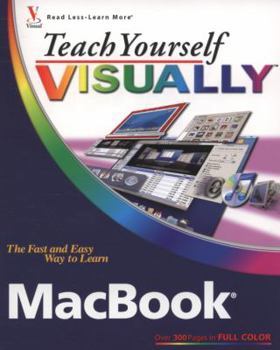
Teach Yourself Visually MacBook


If you prefer instructions that show you how to do something and skip the long-winded explanations, then this book is for you. You'll find clear, step-by-step screen shots that show you how to tackle more than 160 MacBook tasks. Each task-based spread includes easy, visual directions for performing necessary operations, including using the Dock and Dashboard, managing Expos? and Spaces, video chatting with iChat, and creating albums and photos in iPhoto. Full-color screen shots demonstrate each task so that you can get started using your MacBook today.
Format:Paperback
Language:English
ISBN:0470224592
ISBN13:9780470224595
Release Date:March 2008
Publisher:Wiley & Sons, Incorporated, John
Length:400 Pages
Weight:2.02 lbs.
Dimensions:0.8" x 7.5" x 9.3"
Customer Reviews
2 ratings
Easy reading. Full of Tips and Tricks.
Published by Thriftbooks.com User , 17 years ago
What I like about the Teach Yourself Visually series of books, is the ability to follow the instructions with lots of visual ques. This book follows on this premise. It is a very easy reading. Although, it is intended as a basic introduction to the MacBook, I consider that folks at the intermediate level may still benefit from the tips, tricks, and short cuts discussed in the book.
Teach Yourself Visually MacBook
Published by Thriftbooks.com User , 17 years ago
Excellent visual aids followed with very good explanation of the related topics. This is an excellent product.
Copyright © 2026 Thriftbooks.com
Terms of Use | Privacy Policy | Do Not Sell/Share My Personal Information | Cookie Policy | Cookie Preferences | Accessibility Statement
ThriftBooks ® and the ThriftBooks ® logo are registered trademarks of Thrift Books Global, LLC
ThriftBooks ® and the ThriftBooks ® logo are registered trademarks of Thrift Books Global, LLC
