


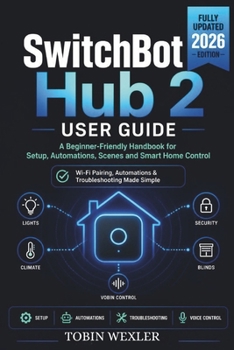
SwitchBot Hub 2 User Guide: A Beginner-Friendly Handbook for Setup, Automations, Scenes and Smart Home Control

Unbox it, plug it in, and actually understand what you just set up.
If the app opened to a screen full of unfamiliar buttons and you're not sure what a "scene" is versus an "automation," this beginner's manual was written for exactly that moment.
Written in plain English with zero assumed tech knowledge, this guide walks you through every step from first unboxing to a fully working smart home setup - including the parts most guides skip.
Inside, you'll learn:
How to connect the hub to your Wi-Fi and pair it with the app correctly the first timeWhat scenes and automations actually are, and how to build your first oneHow to add and control compatible accessories, including infrared remote controlWhat each status light color means and how to fix the most common connection errorsHow to set up voice assistant integration and share access with family membersA dedicated troubleshooting chapter for offline devices, failed pairings, and automations that won't triggerEvery technical term is explained the moment it appears - no jargon left unexplained, no steps skipped because they "seemed obvious." Numbered instructions for anything you need to do, clear callouts for anything you need to know, and a full glossary at the back for quick reference.
Whether this is your first smart home device ever or your third attempt at getting this one working, this guide turns a confusing app and a blinking light into a system you actually understand.
Scroll up and grab your copy - smart home setup shouldn't feel this complicated.
Customer Reviews
ThriftBooks ® and the ThriftBooks ® logo are registered trademarks of Thrift Books Global, LLC
