


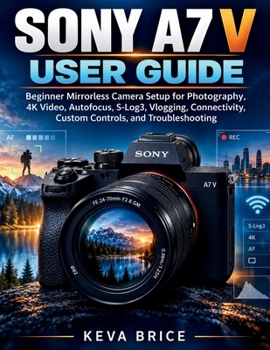
Sony A7 V User Guide: Beginner Mirrorless Camera Setup for Photography, 4K Video, Autofocus, S-Log3, Vlogging, Connectivity, Custom Controls, and Trou

Disclaimer: This is an independent, third-party educational user guide for the Sony A7 V. It is not produced, authorized, sponsored, or endorsed by Sony Corporation, and it does not replace the official camera manual, firmware notices, warranty information, or professional repair guidance.
Are you trying to set up your Sony A7 V correctly without spending hours searching through menus and disconnected tutorials? This practical guide is written for beginners, new owners, hybrid shooters, and photographers moving to Sony who want clear explanations of the camera's most useful photography, video, autofocus, and connectivity features.
Inside, you will learn how to:
Prepare the battery, lens, memory cards, displays, and recording media.Understand buttons, dials, menus, Fn shortcuts, My Menu, and custom controls.Control aperture, shutter speed, ISO, metering, exposure aids, and white balance.Configure autofocus, subject recognition, tracking, burst shooting, and Pre-Capture.Set up RAW, JPEG, HEIF, stabilization, lenses, travel, portrait, wildlife, sports, event, and low-light photography.Choose 4K formats, frame rates, bitrates, S&Q motion, time-lapse, movie autofocus, stabilization, S-Cinetone, S-Log3, and LUT monitoring.Record and monitor audio, connect external microphones, and build vlogging, interview, and creator setups.Pair Creators' App, use remote shooting, transfer files, tether, stream, and work with Sony desktop software.Diagnose card, focus, recording, heat, connection, and setup problems using practical troubleshooting steps.This guide does not teach advanced cinematography theory, professional camera repair, or every function of third-party lenses and accessories. Features may also change with future firmware and software updates.
Use this guide as a practical reference to configure your A7 V with confidence, understand why settings behave the way they do, and spend less time searching menus when the shot matters.
Customer Reviews
ThriftBooks ® and the ThriftBooks ® logo are registered trademarks of Thrift Books Global, LLC
