


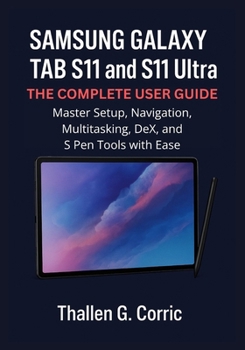
Samsung Galaxy Tab S11 and S11 Ultra: THE COMPLETE USER GUIDE: Master Setup, Navigation, Multitasking, DeX, and S Pen Tools with Ease

Your Samsung Galaxy Tab S11 or S11 Ultra is more than a tablet; it's a productivity powerhouse. This complete guide walks you through everything you need to know to set up, personalize, and master every feature with ease.
Inside, you'll learn how to:
Set up your device the right way and customize it to your needs
Navigate One UI 7 and Android 15 like a pro
Boost productivity with Samsung DeX, Split Screen, and Pop-Up View
Use the S Pen for note-taking, drawing, and Air Actions
Capture, edit, and share stunning photos and videos
Connect seamlessly with Galaxy phones, watches, and smart devices
Secure your data, optimize performance, and fix common issues
Packed with clear instructions, screenshots, and real-world tips, this guide helps beginners, professionals, and seniors unlock the full power of the Galaxy Tab S11 and S11 Ultra.
Get your copy today and transform your tablet experience, work smarter, create more, and enjoy every feature with confidence
Customer Reviews
ThriftBooks ® and the ThriftBooks ® logo are registered trademarks of Thrift Books Global, LLC
