


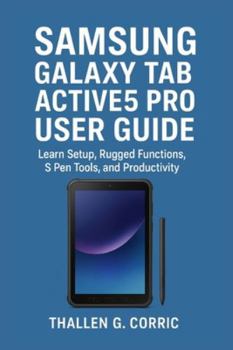
Samsung Galaxy Tab Active5 Pro User Guide: Learn Setup, Rugged Functions, S Pen Tools, and Productivity
No Customer Reviews

This simplified, practical guide helps you make the most of your rugged tablet, whether you're a field worker, business user, or everyday operator.
In this easy-to-follow manual, you'll learn how to:
Set up your tablet and navigate Android 15 & One UI 7.0
Use rugged features like hot-swap battery, no-battery mode, and durability tools
Work smarter with the S Pen, split-screen, multitasking, and productivity settings
Configure essential connections: Wi-Fi 6E, 5G, NFC, SIM/eSIM, Bluetooth, and enterprise networks
Protect your data with Samsung Knox, biometrics, and Secure Folder
Solve common issues quickly using the troubleshooting and FAQ section
Take your Galaxy Tab Active5 Pro experience to the next level.
Get your copy today
Format:Paperback
Language:English
ISBN:B0G3L2QWMB
ISBN13:9798275587104
Release Date:November 2025
Publisher:Independently Published
Length:104 Pages
Weight:0.33 lbs.
Dimensions:0.2" x 6.0" x 9.0"
Customer Reviews
0 rating
Copyright © 2026 Thriftbooks.com
Terms of Use | Privacy Policy | Do Not Sell/Share My Personal Information | Cookie Policy | Cookie Preferences | Accessibility Statement
ThriftBooks ® and the ThriftBooks ® logo are registered trademarks of Thrift Books Global, LLC
ThriftBooks ® and the ThriftBooks ® logo are registered trademarks of Thrift Books Global, LLC
