


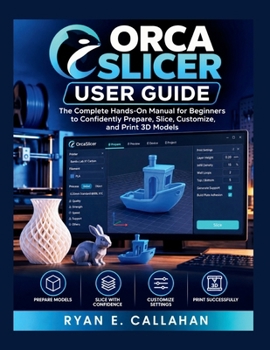
ORCA SLICER USER GUIDE: The Complete Hands-On Manual for Beginners to Confidently Prepare, Slice, Customize, and Print 3D Models (Ryan's Product Guide Collection)

Ready to stop guessing and start 3D printing with confidence?
Orca Slicer offers powerful tools for preparing and optimizing 3D prints, but its many settings can be overwhelming for beginners. ORCA SLICER USER GUIDE breaks the process down into a practical, easy-to-follow learning experience.
Inside, you'll discover how to:
Navigate Orca Slicer and understand its essential featuresImport, position, orient, and prepare 3D modelsUnderstand important slicing and print settingsConfigure supports, infill, walls, and layer settingsBalance print quality, strength, speed, and material useCustomize models for different printing needsIdentify and troubleshoot common printing problemsBuild a reliable workflow from 3D model to finished printMore than a simple list of settings, this guide helps you understand what to change, why it matters, and how your choices affect the final result.
Whether you're completely new to 3D printing or looking to improve your existing workflow, this book is designed to become a practical reference you can return to again and again.
Learn Orca Slicer. Slice smarter. Print with confidence.
Don't let complicated settings hold you back. Get your copy of ORCA SLICER USER GUIDE today and take the next step toward becoming a more confident 3D printer.
Customer Reviews
ThriftBooks ® and the ThriftBooks ® logo are registered trademarks of Thrift Books Global, LLC
