


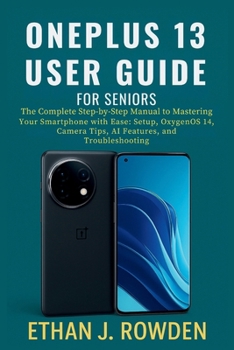
OnePlus 13 User Guide For Seniors: The Complete Step-by-Step Manual to Mastering Your Smartphone with Ease: Setup, OxygenOS 14, Camera Tips, Apps, AI

Take full control of your OnePlus 13 with this clear, easy-to-follow user manual designed for beginners, seniors, and everyday users.
Whether you're new to smartphones or simply want to unlock the full power of your OnePlus 13, this comprehensive guide walks you through every essential feature - from unboxing and setup to advanced AI tools, camera mastery, security settings, and smart home integrations.
Inside this practical handbook, you'll learn how to:
Set up your phone, SIM, Wi-Fi, and Google account in minutes
Customize your home screen, enlarge text, and activate accessibility tools
Use OnePlus's powerful multi-lens Hasselblad camera like a pro
Make calls, send messages, use voice-to-text, and schedule reminders
Install, manage, and secure apps with ease
Maximize battery life and optimize device performance
Connect to smart TVs, Bluetooth devices, and USB-C accessories
Control your home with Google Assistant and automate daily tasks
Troubleshoot common issues quickly with step-by-step solutions
With large text, friendly explanations, and real-world tips, this guide is perfect for seniors, first-time Android users, and anyone looking to simplify their tech experience without feeling overwhelmed.
Whether you're using your OnePlus 13 for calls, photos, apps, or smart tools - this guide helps you do it all with confidence.
Customer Reviews
ThriftBooks ® and the ThriftBooks ® logo are registered trademarks of Thrift Books Global, LLC
