


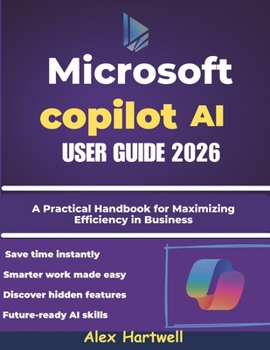
Microsoft Copilot AI User Guide 2026: A Practical Handbook for Maximizing Efficiency in Business, Study, and Everyday Computing

Unlock the full potential of Microsoft Copilot AI with this comprehensive and easy-to-follow user guide.
Whether you're a student, professional, or entrepreneur, this handbook helps you master AI-powered tools across Windows, Word, Excel, PowerPoint, Outlook, Teams, and Edge.
Written in clear, practical language, Microsoft Copilot AI User Guide 2026 walks you through every feature step by step - from setup and activation to advanced customization and real-world use. Learn how to streamline workflows, create professional reports and presentations, analyze data effortlessly, and collaborate more efficiently across Microsoft 365 apps.
Inside, you'll discover:
How to access, activate, and personalize Microsoft Copilot across devices
Smart ways to automate tasks in Word, Excel, and PowerPoint
AI-powered tools for writing, data analysis, and design
Business, education, and creative applications of Copilot
Tips and best practices for accuracy, privacy, and productivity
Whether you're new to AI or an experienced Microsoft user, this guide will help you work smarter, save time, and stay ahead in the new era of intelligent computing.
Customer Reviews
ThriftBooks® and the ThriftBooks® logo are registered trademarks of Thrift Books Global, LLC
