


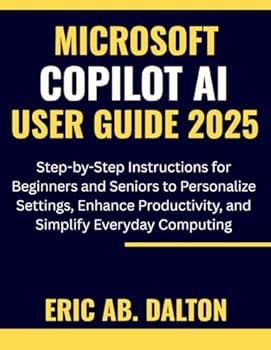
Microsoft Copilot AI User Guide 2025: Step-by-Step Instructions for Beginners and Seniors to Personalize Settings, Enhance Productivity, and Simplify
No Customer Reviews

This guide is independently published and is not affiliated with, endorsed by, or sponsored by Microsoft Corporation. All product names and trademarks belong to their respective owners. It is created solely for educational and informational purposes only. Technology is advancing faster than ever, and for many beginners and seniors, navigating new digital tools can feel overwhelming. This Guide provides a clear, friendly, and practical path to understanding and using Copilot with confidence-whether you're personalizing your settings, boosting productivity, or simplifying everyday computing. This comprehensive book breaks down Microsoft Copilot AI into easy-to-follow explanations and actionable steps. You'll discover how to interact with Copilot naturally, use it across your favorite apps, and unlock helpful shortcuts that save time and reduce stress. Each chapter is designed to build real skills, making complex features feel simple and approachable for users of all experience levels. Imagine having an intelligent digital assistant that helps you write better, organize tasks effortlessly, manage files intelligently, and navigate your device without confusion. This guide shows you exactly how to make that a reality. With clear instructions, practical examples, and supportive guidance, you'll learn to use Copilot AI not just efficiently-but confidently. If you want a reliable resource that teaches you step-by-step how to set up Copilot, personalize your experience, and use it to improve your daily computing routine, this book is your essential companion. Start your journey today and transform the way you work, learn, and stay organized.
Format:Paperback
Language:English
ISBN:B0G2CM242B
ISBN13:9798274501743
Release Date:November 2025
Publisher:Independently Published
Length:106 Pages
Weight:0.58 lbs.
Dimensions:0.2" x 8.5" x 11.0"
Customer Reviews
0 rating
Copyright © 2026 Thriftbooks.com Terms of Use
| Privacy Policy | Do Not
Sell/Share My Personal Information | Cookie Policy | Cookie Preferences | Accessibility Statement
ThriftBooks® and the ThriftBooks® logo are registered trademarks of Thrift Books Global, LLC
ThriftBooks® and the ThriftBooks® logo are registered trademarks of Thrift Books Global, LLC
