


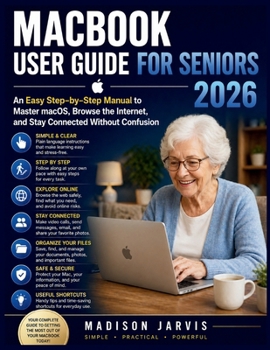
Macbook User Guide for Seniors 2026: An Easy Step-by-Step Manual to Master macOS, Browse the Internet, and Stay Connected Without Confusion

Are you feeling overwhelmed by your MacBook?
You're not alone.
Many seniors struggle with new technology because most guides are too fast, too technical, or skip important steps. This book is different. It is written in a calm, simple, and friendly way that walks you through everything at your own pace.
Imagine using your MacBook with confidence...
Picture yourself sending emails without confusion, browsing the internet safely, video calling your family, organizing your photos, and solving small problems on your own without stress. This guide helps you get there step by step.
Here's exactly what you'll learn inside:
How to set up your MacBook the right way from the start
Simple steps to navigate your screen without feeling lost
How to open, use, and manage apps with ease
Easy ways to browse the internet using Safari
How to send emails, messages, and make video calls
How to write, save, and organize your documents
Safety tips to protect your personal information
How to fix common problems without panic
Time-saving tips and shortcuts to make everything easier
Everything is explained in plain English with no technical jargon.
This book is perfect for you if:
You are new to MacBooks
You feel confused using technology
You want simple, clear instructions
You prefer learning at your own pace
You want to stay connected with family and friends
Take the first step today
You do not need to struggle with your MacBook anymore. With the right guidance, it becomes simple, useful, and even enjoyable.
Scroll up and get your copy now. Start using your MacBook with confidence, one easy step at a time.
Customer Reviews
ThriftBooks ® and the ThriftBooks ® logo are registered trademarks of Thrift Books Global, LLC
