


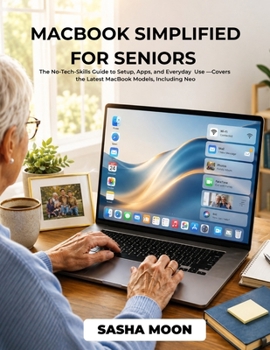
Macbook Simplified for Seniors: The No-Tech-Skills Guide to Setup, Apps, and Everyday Use - Covers the Latest MacBook Models, Including Neo

Struggling to use your MacBook without feeling confused or overwhelmed? You're not alone. Many seniors find modern technology frustrating, but it doesn't have to be that way.
MacBook Simplified for Seniors is designed to remove the stress, confusion, and fear that often come with learning a new device.
This step-by-step guide is written in plain, simple language, no technical jargon, no complicated explanations. Whether you've never used a MacBook before or you just want to feel more confident, this book walks you through everything at a comfortable pace.
You'll learn exactly how to:
Set up your MacBook from scratchUnderstand the screen, keyboard, and trackpadBrowse the internet and stay safe onlineSend emails, messages, and make video callsOrganize files, photos, and documentsUse helpful apps and tools for everyday tasksUnderstand Apple Intelligence in a simple wayFix common problems without stressEach section is designed with seniors in mind, clear instructions, practical examples, and easy-to-follow steps.
Imagine using your MacBook with confidence, watching videos, connecting with family, managing your files, and getting things done without asking for help every time.
No more guessing. No more frustration. No more feeling left behind.
This guide gives you the confidence to use your MacBook independently and enjoy everything it has to offer.
Whether you want to stay connected, stay organized, or simply make life easier, this book is your trusted companion.
If you're ready to finally feel comfortable using your MacBook, this is the guide for you.
Scroll up and click "Buy Now" to get started today.
Customer Reviews
ThriftBooks ® and the ThriftBooks ® logo are registered trademarks of Thrift Books Global, LLC
