


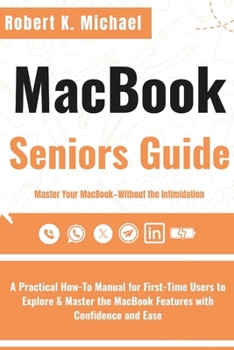
Macbook Seniors Guide: A Practical How-To Manual for First-Time Users to Explore & Master the MacBook Features with Confidence and Ease

Master Your MacBook-Without the Intimidation.
For years, using a MacBook has seemed like something "only the younger generation gets." But that ends now. Whether you're opening your Mac for the first time or returning after years away from technology, this guide was written to make sure you feel confident, comfortable, and fully in control.No more guessing what buttons to click. No more tiny print, rushed explanations, or confusing tech jargon. This book doesn't just tell you what your MacBook can do-it shows you, clearly and patiently, one step at a time.
Inside, you'll find:
A gentle, senior-friendly walkthrough of your MacBook's buttons, screen, apps, and settings-written in plain EnglishStep-by-step instructions for sending emails, browsing the web, joining video calls, organizing files, and moreEasy customizations to make your Mac easier to see, hear, and use-like enlarging text, turning on voice prompts, or activating Night ShiftPhotos, checklists, and guided activities that make learning hands-on and frustration-freeTips for staying safe online, recognizing scams, and protecting your privacySmart solutions to common problems-without the tech overwhelmWhether you're keeping up with family, managing appointments, listening to music, or just finally learning what that "Finder" icon does-this guide turns hesitation into independence and confusion into confidence.
No tech experience? No problem. By the time you're done, you won't feel like a guest on your MacBook-you'll feel at home.
Ready to take control, learn at your own pace, and finally enjoy what your MacBook can really do? Get your copy today and start mastering your MacBook-on your terms, with guidance that speaks your language.
Customer Reviews
ThriftBooks ® and the ThriftBooks ® logo are registered trademarks of Thrift Books Global, LLC
