


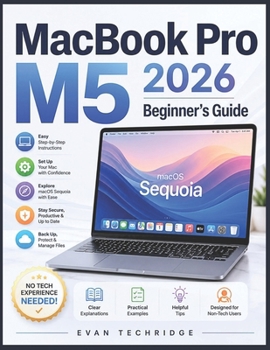
MacBook Pro M5 2026 Beginner's Guide: A Step-by-Step Manual for Non-Tech Users to Master macOS Sequoia with Ease

Have you just purchased the new MacBook Pro M5 and found yourself wondering where to start? Are you struggling to understand macOS Sequoia, navigate unfamiliar settings, or confidently use your Mac without feeling overwhelmed?
This beginner-friendly guide was created specifically for non-tech users who want a simple, practical, and stress-free way to learn the MacBook Pro M5 (2026). Instead of confusing technical jargon, this book provides clear explanations, step-by-step guidance, and real-world tips to help you quickly become comfortable with your device.
Inside this guide, you will discover how to:
Set up your MacBook Pro M5 correctly from day one Navigate macOS Sequoia with ease Organize files and folders efficiently Customize settings for better comfort and productivityUse Safari, Mail, FaceTime, and essential apps confidently Keep your Mac secure, updated, and running smoothly Transfer files from Windows without frustration Fix common beginner problems quickly and easilyWhether you are completely new to Mac or transitioning from Windows, this guide will help you build confidence and use your MacBook Pro M5 more effectively every day.
Get your copy today and start mastering your MacBook Pro M5 the easy way.
Customer Reviews
ThriftBooks ® and the ThriftBooks ® logo are registered trademarks of Thrift Books Global, LLC
