


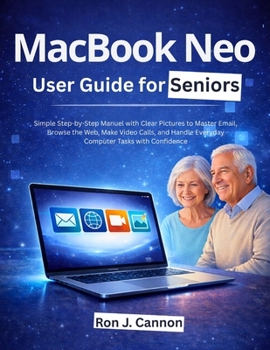
MacBook Neo User Guide for Seniors: Simple Step-by-Step Manuel with Clear Pictures to Master Email, Browse the Web, Make Video Calls, and Handle Every

Many seniors buy a MacBook hoping to email family, browse the internet, and enjoy photos and video calls. Then the screen fills with unfamiliar icons, settings, and menus. One wrong click can feel like it might break something. That frustration often causes people to avoid using a powerful device they already own.
This guide changes that experience completely.
MacBook Neo User Guide for Seniors walks you through everything step by step using clear language, practical examples, and simple instructions designed specifically for beginners. You move at your own pace while building real confidence with your computer.
Instead of technical jargon, you learn exactly what you need to know to use your MacBook comfortably every day.
You also get helpful practice exercises, simple explanations of important icons, and a quick reference guide so you can find answers fast when you need them.
This book focuses on everyday tasks that matter most. Email, browsing, video calls, photos, entertainment, and staying connected with loved ones all become easy once you follow the steps in this guide.
Whether you just bought your first MacBook or want to finally feel confident using the one you already have, this guide gives you the clarity and patience most manuals never provide.
You do not need technical experience.
You only need the willingness to try.
Customer Reviews
ThriftBooks ® and the ThriftBooks ® logo are registered trademarks of Thrift Books Global, LLC
