


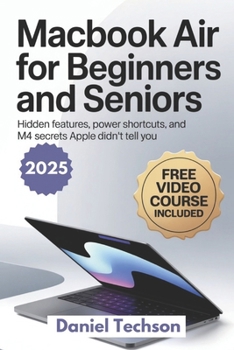
MacBook Air 2025 for Beginners and Seniors: Hidden Features, Power Shortcuts, and M4 Secrets Apple Didn't Tell You

Just opened your shiny new MacBook Air - and now you're stuck staring at the screen, wondering what to do next?
You're not alone - and this book is here to help.
Whether you're a senior switching from Windows, a total beginner, or just someone who wants to master their new M4-powered MacBook Air fast - this friendly, step-by-step guide has your back.
And yes - it comes with a FREE video course so you can watch and learn with ease.
✅ Inside This All-in-One MacBook Air 2025 Guide, You'll Discover:
How to set up your MacBook Air 2025 in under 10 minutes - no tech jargon or stress
Beginner-friendly tutorials to navigate macOS Sonoma with confidence
Hidden features and M4 shortcuts Apple doesn't explain - unlock your device's full power
Email, Safari, FaceTime, Photos, and Files - demystified
How to customize your Mac for ease, speed, and accessibility
The essential keyboard shortcuts cheat sheet every new user should know
Simple troubleshooting fixes for common issues - no Genius Bar required
Bonus: Scan-and-watch video tutorials that walk you through everything visually
And much more, all written in plain English, with big text and clear images
Whether you're retired and curious, a busy parent, or someone who's never touched a Mac before - this book is your shortcut to becoming confident, capable, and in control of your tech.
No fluff. No overwhelm. Just results.
Customer Reviews
ThriftBooks ® and the ThriftBooks ® logo are registered trademarks of Thrift Books Global, LLC
