


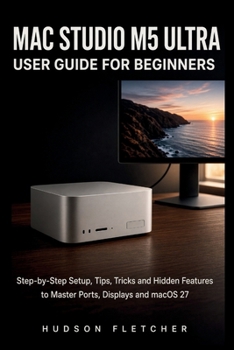
Mac Studio M5 Ultra User Guide for Beginners: Step-by-Step Setup, Tips, Tricks and Hidden Features to Master Ports, Displays and macOS 27

You unpacked a quiet silver box that cost as much as a used car. The screen is dark. The ports look identical. Setup Assistant is already asking questions you do not want to guess at.
This handbook walks you from that first power button to a desk you can trust. You will place the computer so it stays cool, choose the right cable for speed, connect one screen or several, and finish macOS 27 Golden Gate without rushing the account that locks the whole machine. If you are new to Apple, the early chapters translate the desktop, Dock, Finder, and Spotlight into plain language. If you already edit, design, compose, compile, or run local models, later chapters use the same calm voice for Thunderbolt 5, display layouts, scratch disks, unified memory, and the difference between a fast chip and a full SSD.
Inside you will learn how to build a folder system that still makes sense in six months, how iCloud sync is not the same as a backup, and how Time Machine plus an offsite copy protects work you cannot shoot again. You will use Safari, Photos, Siri AI, and Shortcuts as tools, not as a second job. You will read Activity Monitor, keep login items lean, and know the first move when a display says no signal or the Mac will not boot.
No fake badges. No promise that a paragraph will put any listing on page one. What you get is a clear path: setup, ports, screens, daily macOS, files, apps, performance, real workflows, then security and repair.
If the computer is already on your desk and you want it to feel like a tool instead of a test, start now and keep the machine beside the book. When you are ready, use the Look Inside preview, then get your copy and do the first setup the slow, correct way.
To get a Copy of the book, click the "BUY NOW BUTTON" OR "ADD TO CART
Customer Reviews
ThriftBooks ® and the ThriftBooks ® logo are registered trademarks of Thrift Books Global, LLC
