


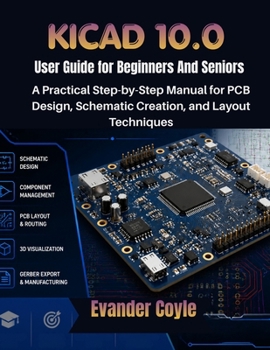
KiCad 10.0 User Guide for Beginners And Seniors

KiCad 10.0 User Guide for Beginners and Seniors
Your Ultimate Guide to PCB Design with KiCad
Are you ready to design your own printed circuit boards (PCBs) but don't know where to start? The KiCad 10.0 User Guide for Beginners and Seniors is your perfect companion for learning how to master KiCad, the world-renowned free and open-source PCB design tool. Whether you're just beginning your journey into PCB design or transitioning from other software, this step-by-step guide simplifies KiCad's powerful features and makes them accessible to everyone.
Inside this guide, you will learn:
The fundamentals of schematic design, footprints, and layout techniques.How to move from schematic to PCB layout effortlessly and make sure your design is ready for manufacturing.Advanced features like multi-layer PCB design, custom libraries, and 3D modeling.How to troubleshoot common issues and get the most out of KiCad's extensive set of tools.Each chapter is crafted for beginners who want to dive into the world of PCB design and seniors seeking to refine their skills with KiCad's advanced functionalities. You will have practical, real-world knowledge at your fingertips, whether you're building a simple circuit for a hobby or designing a complex PCB for production.
Take your PCB design skills to the next level with the KiCad 10.0 User Guide. Start today, and design your own professional-quality PCBs with ease
Customer Reviews
ThriftBooks ® and the ThriftBooks ® logo are registered trademarks of Thrift Books Global, LLC
