


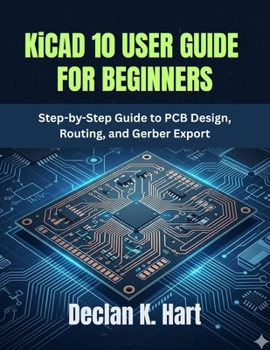
KiCAD 10 USER GUIDE FOR BEGINNERS: Step-by-Step Guide to PCB Design, Routing, and Gerber Export
No Customer Reviews

Learn modern PCB design with confidence using KiCad.
KiCad 10 User Guide for Beginners provides practical step-by-step lessons that help you move from simple circuit schematics to professional PCB layouts and manufacturing-ready files.
Inside this guide, you will learn how to:
Create electronic schematicsAssign symbols and footprintsDesign PCB layoutsRoute copper tracks cleanlyUse vias and ground zonesRun ERC and DRC checksExport Gerber and drill filesPrepare boards for PCB manufacturingAvoid common beginner mistakesThis guide is designed for beginners, students, electronics hobbyists, makers, junior PCB designers, engineers, and self-taught learners who want a clear and practical introduction to PCB design.
With beginner-friendly explanations, real-world workflow examples, troubleshooting tips, and practice exercises, this book helps you build confidence while learning modern PCB design workflows using KiCad 10.
Format:Paperback
Language:English
ISBN:B0H19TT1BC
ISBN13:9798196168758
Release Date:May 2026
Publisher:Independently published
Length:108 Pages
Weight:0.60 lbs.
Dimensions:11.0" x 0.3" x 8.5"
Customer Reviews
0 rating
Copyright © 2026 Thriftbooks.com
Terms of Use | Privacy Policy | Do Not Sell/Share My Personal Information | Cookie Policy | Cookie Preferences | Accessibility Statement
ThriftBooks ® and the ThriftBooks ® logo are registered trademarks of Thrift Books Global, LLC
ThriftBooks ® and the ThriftBooks ® logo are registered trademarks of Thrift Books Global, LLC
