


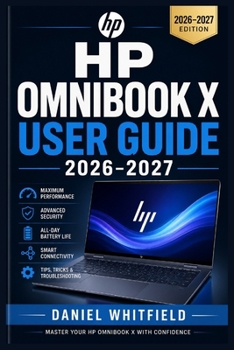
HP Omnibook X User Guide 2026-2027: From First Boot to Full Mastery: Setup, Features, Performance, Security, and Troubleshooting for Every Skill Level

Problems Customers Face:
Feeling overwhelmed by setting up a brand-new laptop and navigating Windows 11 for the very first time.
Struggling with poor battery life, sluggish performance, or failing to tap into the high-end capabilities of their machine.
Lacking confidence when troubleshooting common hardware, Wi-Fi, display, or audio issues without needing an expensive repair center.
Introducing the Book: The HP OmniBook X User Guide 2026-2027 is your definitive, step-by-step manual designed to take you from your very first boot to complete mastery, ensuring you understand every feature and get the absolute most out of your device.
How It Will Help Them: It provides clear, jargon-free instructions, practical tips, and structured guidance that eliminate tech frustration, protect your data, and turn you into a confident power user.
5 Things They Will Discover in the Book:
Seamless first-time setup instructions, including initial booting, connecting to Wi-Fi, and setting up your Microsoft account.
Essential Windows 11 navigation hacks, multi-window productivity tricks, and time-saving keyboard shortcuts.
Advanced battery and power management strategies to extend your runtime and protect long-term battery health.
Routine care, software maintenance, and cloud backup methods to keep your files secure and your system running fast.
Comprehensive troubleshooting steps for resolving Wi-Fi drops, display issues, audio glitches, and startup failures independently.
Call to Action (CTA):
Get your copy today and unlock the full potential of your HP OmniBook X
Customer Reviews
ThriftBooks ® and the ThriftBooks ® logo are registered trademarks of Thrift Books Global, LLC
