


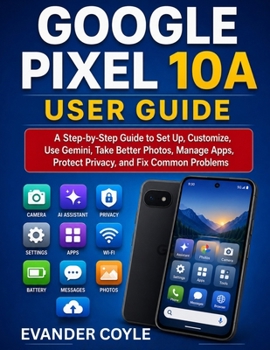
Google Pixel 10A User Guide

Are you ready to enjoy your Google Pixel 10A without confusion, frustration, or fear of pressing the wrong button?
The Google Pixel 10A User Guide is a clear, beginner-friendly guide designed to help everyday users, seniors, and first-time Android users set up, customize, protect, and enjoy their phone with confidence. Whether you are switching from another phone, helping a parent or grandparent, or simply want to understand your Pixel 10A better, this book walks you through everything in simple, practical language.
Instead of overwhelming you with technical jargon, this guide explains each feature step by step. You will learn how to set up your phone, transfer data, manage contacts, send messages, use Wi-Fi and mobile data, take better photos, install apps safely, improve battery life, protect your privacy, and fix common problems.
Inside this guide, you will discover how to:
Set up your Pixel 10A correctly from the first dayUse the home screen, gestures, notifications, and Quick SettingsMake calls, save contacts, send messages, and connect to the internetUse Gemini and smart AI features safely and effectivelyTake clearer photos, record videos, edit images, and manage storageInstall, update, organize, and remove apps safelyCustomize wallpaper, text size, ringtones, accessibility, and senior-friendly settingsImprove battery life, storage, updates, and performanceProtect your privacy, manage permissions, and set emergency contactsShare files, connect Bluetooth devices, print, and back up important dataTroubleshoot common problems without panicThis book also includes a Quick Start Guide for your first 30 minutes and a helpful Bonus Section filled with practical shortcuts, Gemini prompts, safety habits, camera tips, battery-saving advice, and monthly maintenance checklists.
If you want a simple, practical, and confidence-building guide to your Google Pixel 10A, this book is your perfect everyday companion.
Take control of your phone today and start using your Pixel 10A with clarity, safety, and confidence.
Customer Reviews
ThriftBooks ® and the ThriftBooks ® logo are registered trademarks of Thrift Books Global, LLC
