


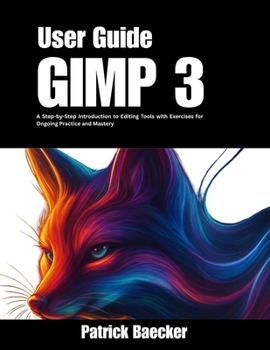
GIMP 3 User Guide: A Step-by-Step Introduction to Editing Tools with Exercises for Ongoing Practice and Mastery

Learning GIMP 3 can feel overwhelming at first. The menus are filled with options, many tools look alike, and it is easy to spend hours clicking around without getting the results you want. Small mistakes such as saving in the wrong format or setting the wrong resolution can quickly become frustrating.
This book gives you a clear and simple path forward.
This guide is designed to help beginners and growing users build real skills with confidence. Each lesson uses everyday language, step by step instructions, full color screenshots, and practice projects you can follow along with.
Here is what you will learn inside:
How to move around the GIMP 3 interface with ease.The most important tools for cropping, resizing, retouching, and painting.How to improve photos, adjust colors, and add text or effects.Simple ways to prepare images for social media, websites, or print.Hands-on exercises like designing a poster, editing a headshot, or creating a graphic for online use.You will also find checklists, examples, and shortcuts that save time and prevent common mistakes. With these tools, you will not only understand what each feature does but also know when and how to use it.
The author shares proven methods and practical teaching experience, breaking down complex tasks into steps that anyone can follow.
Do not wait to keep struggling with the same problems. Start today, practice with confidence, and see your skills grow with every project.
Get your copy now and make GIMP 3 the tool that helps you create your best work.
Customer Reviews
ThriftBooks® and the ThriftBooks® logo are registered trademarks of Thrift Books Global, LLC
