


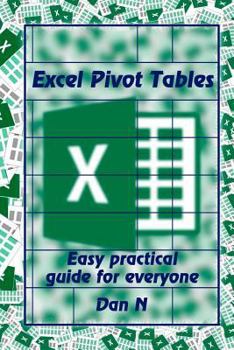
Excel Pivot Tables: Easy practical guide for everyone
No Customer Reviews

This book is a guide for Excel users, business people and individuals on how to create and use Excel PivotTables. The author explains to you what PivotTables are and how they can be used. You will also know where PivotTables can be used and how they can benefit your business. The various steps involved in creation of a PivotTable have been discussed. First, PivotTables can easily be creating via the Excel interface. One only has to load the data to be used in this and do a number of clicks. They will then have the PivotTable created. This has been discussed. A PivotTable can also be created via an Excel Macro. The author guides you on how to create a PivotTable via Excel macros in a step-by-step manner. With PivotTables, you can add a slicer that will help you filter your data via the criteria that you need to use. You are guided on how to add these to your Excel PivotTable. Timelines are a good way of filtering your data via time. You will know how to work with these in Excel PivotTables. You will also know how to use data from different fields to create PivotTables.
Here is a preview of what you'll learn: What are PivotTables?Using VBA MacrosUsing SlicersAdding a TimelineAnalyzing External DataChanging Source DataCreating a PivotTable from Multiple TablesArranging the FieldsRefreshing PivotTable DataDeleting a PivotTable
Here is a preview of what you'll learn: What are PivotTables?Using VBA MacrosUsing SlicersAdding a TimelineAnalyzing External DataChanging Source DataCreating a PivotTable from Multiple TablesArranging the FieldsRefreshing PivotTable DataDeleting a PivotTable
Format:Paperback
Language:English
ISBN:1720517088
ISBN13:9781720517085
Release Date:June 2018
Publisher:Createspace Independent Publishing Platform
Length:90 Pages
Weight:0.29 lbs.
Dimensions:0.2" x 6.0" x 9.0"
Customer Reviews
0 rating
Copyright © 2025 Thriftbooks.com
Terms of Use | Privacy Policy | Do Not Sell/Share My Personal Information | Cookie Policy | Cookie Preferences | Accessibility Statement
ThriftBooks ® and the ThriftBooks ® logo are registered trademarks of Thrift Books Global, LLC
ThriftBooks ® and the ThriftBooks ® logo are registered trademarks of Thrift Books Global, LLC
