


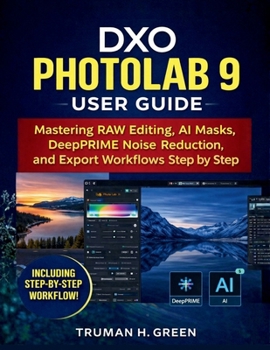
DXO Photolab 9 User Guide: Mastering RAW Editing, AI Masks, DeepPRIME Noise Reduction, and Export Workflows Step by Step

Unlock the full power of DxO PhotoLab 9 with a practical, step-by-step user guide built for real editing sessions-not confusing technical manuals. This book is designed to help you edit faster, avoid common mistakes, and produce clean, professional-looking results whether you shoot RAW, JPEG, or modern mobile formats.
Inside, you'll learn a complete workflow from start to finish: installing and configuring PhotoLab 9, organizing your photo library, applying DxO optical corrections, mastering exposure and color, using DeepPRIME noise reduction for high-ISO images, refining edits with local adjustments and AI Masks, and exporting correctly for web, clients, and print.
What you'll be able to do after reading:
Build a reliable workflow: correct → balance → enhance → refine → exportGet sharper, cleaner images with optics modules and lens sharpness controlDenoise night/indoor photos with DeepPRIME without "plastic" textureUse local adjustments and AI Masks to edit subjects and backgrounds quicklyFix common HEIC/HEIF and ProRAW workflow issues (especially on Windows)Export with predictable quality, color, and file size for any purposeStop guessing and start editing with confidence. Buy this guide today and follow the step-by-step workflow to get cleaner images, faster edits, and exports that look exactly the way you intended-starting from your very first session.
Customer Reviews
ThriftBooks ® and the ThriftBooks ® logo are registered trademarks of Thrift Books Global, LLC
