


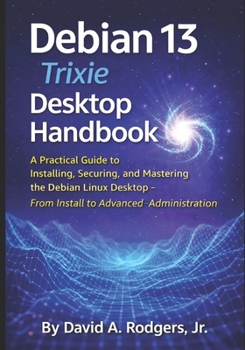
Debian 13.3 "Trixie" Desktop Handbook: A Practical Guide to Installing, Securing, and Mastering the Debian Linux Desktop - From Install to Advanced Ad

Debian is one of the most respected operating systems in the world. It powers servers, research labs, embedded systems, and privacy-focused workstations. Yet many people hesitate to try it because they believe it is only for experts.
This book removes that barrier.
Debian 13 "Trixie" Desktop Handbook is a complete, practical walkthrough designed for real users. Whether you are moving from Windows, experimenting with Linux for the first time, or building a secure personal workstation, this guide takes you step-by-step from downloading the installer to running a hardened and fully administered Debian system.
You will learn not only what to click, but why the system works the way it does.
Inside you will learn how to:
- Choose the correct installation image and create boot media
- Install Debian with the GNOME desktop environment
- Configure users, storage, networking, and hardware
- Update and maintain the system using APT and package repositories
- Install and manage software safely
- Set up a firewall and basic system hardening
- Understand AppArmor application confinement
- Monitor system logs using journalctl
- Synchronize system time and maintain accurate timestamps
- Use auditing tools such as auditd
- Perform user and group administration
- Troubleshoot boot, driver, and package problems
- Create backups and recovery strategies
Unlike quick-start tutorials, this handbook goes beyond installation. You will learn how a Debian system is maintained over time, how to diagnose problems, and how to operate your computer with confidence and security.
By the end of the book you will have a stable, secure Debian desktop and the knowledge to control it instead of fear it.
If you want a Linux system that is reliable, private, and under your control, Debian is the destination and this book is the map.
Customer Reviews
ThriftBooks ® and the ThriftBooks ® logo are registered trademarks of Thrift Books Global, LLC
