


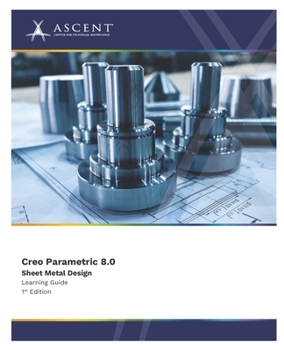
Creo Parametric 8.0: Sheet Metal Design
No Customer Reviews

Please note: The print version of this guide is printed in black and white with images in grayscale.
The Creo Parametric 8.0: Sheet Metal Design learning guide enables you to use your introductory modeling skills to create sheet metal models, including walls, bends, notches, and form features. On completion of this course, you will have acquired the skills to confidently manipulate sheet metal geometry, adjust bend developed lengths, and convert solid parts.This guide was developed against Creo Parametric 8.0.4.0.
Topics Covered
The sheet metal environmentPrimary and secondary wallsBend reliefCorner reliefRegular unbends, back bends, and cutsNotches and punchesBend featuresUnbending complex geometrySheet metal formsDocumenting a sheet metal partConverting solid partsSheet metal setupInvestigating a sheet metal partPrerequisites
Access to the Creo Parametric 8.0 software. The practices and files included with this guide might not be compatible with prior versions. Practice files included with this guide are compatible with the commercial version of the software, but not the student edition.Completion of the Creo Parametric: Introduction to Solid Modeling guide, or similar levels of prior experience using the Creo Parametric software.Format:Paperback
Language:English
ISBN:B0CK9V7D8Z
ISBN13:9781959504740
Release Date:October 2023
Publisher:Ascent, Center for Technical Knowledge
Length:498 Pages
Weight:1.87 lbs.
Dimensions:1.0" x 7.5" x 9.3"
Customer Reviews
0 rating
Copyright © 2026 Thriftbooks.com Terms of Use
| Privacy Policy | Do Not
Sell/Share My Personal Information | Cookie Policy | Cookie Preferences | Accessibility Statement
ThriftBooks® and the ThriftBooks® logo are registered trademarks of Thrift Books Global, LLC
ThriftBooks® and the ThriftBooks® logo are registered trademarks of Thrift Books Global, LLC
