


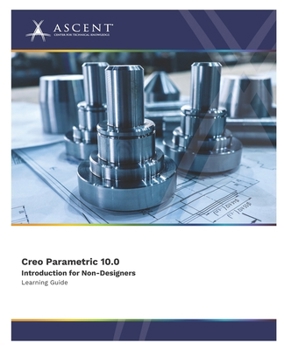
Creo Parametric 10.0: Introduction for Non-Designers
No Customer Reviews

Please note: The print version of this guide is printed in black and white with images in grayscale.
The Creo Parametric 10.0: Introduction for Non-Designers learning guide provides reviewers or downstream users of Creo Parametric data with the knowledge to investigate, manipulate, and annotate existing models. It is targeted at users who require less training in geometry creation techniques. The user learns to open models for the purpose of providing feedback, verification, image capture, and taking data into specialized modules. This learning guide provides a good introduction to Creo Parametric for users who are evaluating the software or need a high-level understanding of the software's capabilities.This content was developed using Creo Parametric 10.0.
Topics Covered
Creo Parametric interfaceObtaining model informationDisplay controlCreating datum featuresView manager3D annotationsCreating planar and offset cross-sectionsView creating and detailingFile managementExporting and importing dataPrerequisites
Access to the Creo Parametric 10.0 software. The practices and files included with this guide might not be compatible with prior versions (e.g., 8.0.2). Practice files included with this guide are compatible with the commercial version of the software, but not the student edition.Format:Paperback
Language:English
ISBN:1962037185
ISBN13:9781962037181
Release Date:February 2024
Publisher:Ascent - Center for Technical Knowledge
Length:642 Pages
Weight:2.39 lbs.
Dimensions:1.3" x 7.5" x 9.3"
Customer Reviews
0 rating
Copyright © 2025 Thriftbooks.com
Terms of Use | Privacy Policy | Do Not Sell/Share My Personal Information | Cookie Policy | Cookie Preferences | Accessibility Statement
ThriftBooks ® and the ThriftBooks ® logo are registered trademarks of Thrift Books Global, LLC
ThriftBooks ® and the ThriftBooks ® logo are registered trademarks of Thrift Books Global, LLC
