


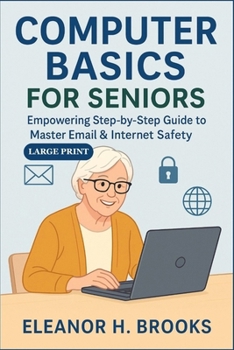
Computer Basics for Seniors: Empowering Step-by-Step Guide to Master Email & Internet Safety

Are you ready to finally feel confident using your computer? This book is your friendly guide to doing just that-step by step, and stress-free.
Designed especially for seniors and beginners, Computer Basics for Seniors takes the fear out of technology. With calm explanations, large print for easy reading, and illustrations that walk you through every click, this book turns confusion into confidence.
Whether you're learning how to send an email, browse safely online, or share a photo with your grandkids, this guide keeps it simple and empowering-with no tech jargon and no rush.
Inside you'll learn how to:
Understand basic computer parts and how they work together
Use email with ease: send, reply, forward, and attach files
Recognize and avoid online scams and phishing traps
Browse the internet safely, using tabs and search tools
Share photos and send group emails without stress
Recover from mistakes-yes, even if you click the wrong thing
Take your next step with digital confidence
Each chapter is written with warmth, encouragement, and clarity-like a patient teacher sitting right beside you. Plus, you'll find helpful diagrams, safety tips, and a printable Digital Confidence Badge to celebrate your success.
Whether you're brand new to computers or just want a refresher, this book gives you the skills to connect, explore, and thrive online.
You're not too old to learn. You just needed the right guide.
Customer Reviews
ThriftBooks ® and the ThriftBooks ® logo are registered trademarks of Thrift Books Global, LLC
