


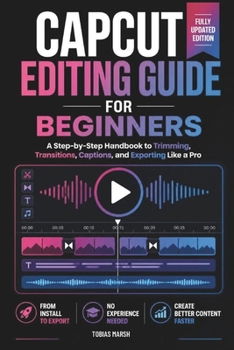
CapCut Editing Guide for Beginners: Master Video Creation, Transitions, Effects and Mobile Content Editing Step by Step

Your phone already has everything you need. This guide shows you how to use it.
You didn't download a free editing app just to feel overwhelmed by icons you don't recognize. This independent, unofficial guide walks you through every core tool in plain English - from your very first install to exporting polished, platform-ready videos.
Inside, you'll learn how to:
Install the app correctly and set up your first project the right wayTrim, split, and arrange footage with confidence and precisionApply transitions, effects, and filters with intention, not guessworkBalance audio, add background music, and use automatic captionsStyle text, titles, and animated stickers like a professionalExport at the correct resolution and aspect ratio for every platformUse advanced tools like green screen removal and keyframe animationFix the most common problems yourself - stuck exports, sync issues, laggy performance - before you ever need supportWhether you're creating for TikTok, Instagram, YouTube, or simply want to edit family videos that actually look good, this guide turns a blank timeline into confident, everyday skill.
Start editing with confidence. Scroll up and grab your copy today.
This is an independent, unofficial guide and is not officially affiliated with, endorsed by, or sponsored by the makers of CapCut. This book references the CapCut application, a trademark of its respective owner, for educational purposes only.
Customer Reviews
ThriftBooks ® and the ThriftBooks ® logo are registered trademarks of Thrift Books Global, LLC
