


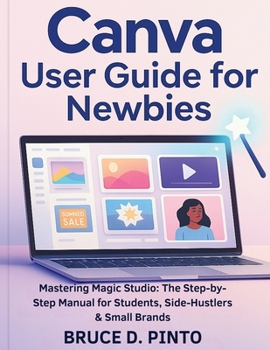
Canva User Guide for Newbies: Mastering Magic Studio: The Step-by-Step Manual for Students, Side-Hustlers & Small Brands

This book is an independent user guide for educational purposes only. It is not affiliated with, sponsored by, or endorsed by Canva. All product names and trademarks are the property of their respective owners.
Do you want to design stunning graphics, social media posts, and presentations but feel lost when opening Canva for the first time? You're not alone. Many beginners struggle to understand Canva's features and waste hours trying to figure it out.Canva User Guide for Newbies is the step-by-step manual you need to quickly master one of today's most popular design tools. Written in clear, simple English, this user guide book walks you through everything-from setting up your account and using templates to customizing fonts, colors, and images like a pro.
With practical tutorials and hands-on examples, you'll discover how to:
Navigate Canva's interface with confidence
Create eye-catching social media posts, flyers, logos, and presentations
Use templates, fonts, and images effectively for personal or business projects
Save, share, and collaborate on designs in minutes
Apply insider tricks that save time while making your projects stand out
This beginner-friendly book is designed to take you from zero to confident creator, even if you have no prior design experience.
Stop struggling and start designing today. Scroll up and grab your copy of Canva User Guide for Beginners to unlock your creative potential and make professional-quality designs with ease.
Related Subjects
DesignCustomer Reviews
ThriftBooks® and the ThriftBooks® logo are registered trademarks of Thrift Books Global, LLC
