


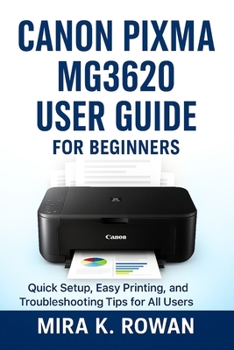
Canon Pixma MG3620 User Guide: The Complete Beginner's Manual for Quick Installation, Easy Printing, and Problem Solving

This user guide book is for educational purposes only. It is an independent resource and is not affiliated with, authorized by, or sponsored by Canon. All product names and trademarks are the property of their respective owners. Always refer to the official Canon documentation for warranty and safety information.
Confused by printer setups, Wi-Fi connections, and maintenance routines? The Canon Pixma MG3620 is a powerful all-in-one printer, but without proper guidance, you may not realize its full potential. This user guide book transforms your experience from frustration to mastery, providing you with step-by-step instructions to follow.
Inside, you will discover:
Clear, beginner-friendly explanations for setup, printing, scanning, and copying
Wireless connection guides for Windows, Mac, and smartphones
How to maintain your printer for smudge-free, vibrant prints every time
Solutions to common issues like paper jams, streaky prints, and network errors
Pro tips for saving ink, printing borderless photos, and mastering duplex printing
This is not just a manual, it's your personal printer coach. Each chapter is carefully crafted to guide you through real-world scenarios so you can avoid costly mistakes, reduce downtime, and get professional-quality results from day one. Whether you're a first-time printer owner or upgrading from an older model, this guide will help you get the most out of your Canon Pixma MG3620 with ease.
Stop wasting time searching for scattered online tutorials. Open these pages and take control of your printer today. Your Canon Pixma MG3620 is ready to perform. This guide will show you exactly how.
Customer Reviews
ThriftBooks ® and the ThriftBooks ® logo are registered trademarks of Thrift Books Global, LLC
