


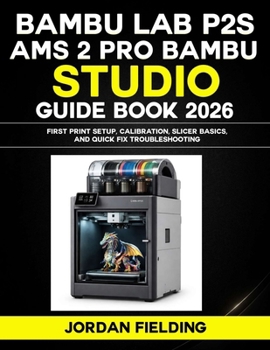
Bambu Lab P2S and AMS 2 Pro Bambu Studio Guide (2026): First Print Setup, Calibration, Slicer Basics, and Quick Fix Troubleshooting
No Customer Reviews

This guide is your calm, step by step path from first setup to steady results. It starts with the basics that most people skip, workspace setup, safe startup checks, and a first print you can trust. Then it walks you through Bambu Studio in plain language so you can slice with confidence, pick the right profile, preview problems before they happen, and stop guessing.
Inside, you will learn how to:
Set up your printer and AMS 2 Pro for reliable feeding and clean startsCalibrate first layers and flow so prints come out consistentChoose profiles for speed, strength, and surface finish without wrecking defaultsImprove adhesion, supports, and orientation so parts look better and fit betterHandle multi color slicing with smarter color planning and less purge wasteFix the Big 5 failures fast, clogs, adhesion issues, layer shifts, spaghetti, rough surfacesTroubleshoot AMS loading, retract, and jam problems safelyKeep the printer accurate with simple weekly and monthly maintenance habitsThis is an independently published guide and is not affiliated with or sponsored by any product or brand.
Grab your copy now and start printing cleaner, faster, and with a lot less frustration.
Format:Paperback
Language:English
ISBN:B0GKMPCY8Z
ISBN13:9798246125878
Release Date:January 2026
Publisher:Independently Published
Length:138 Pages
Weight:0.74 lbs.
Dimensions:0.3" x 8.5" x 11.0"
Customer Reviews
0 rating
Copyright © 2026 Thriftbooks.com
Terms of Use | Privacy Policy | Do Not Sell/Share My Personal Information | Cookie Policy | Cookie Preferences | Accessibility Statement
ThriftBooks ® and the ThriftBooks ® logo are registered trademarks of Thrift Books Global, LLC
ThriftBooks ® and the ThriftBooks ® logo are registered trademarks of Thrift Books Global, LLC
