


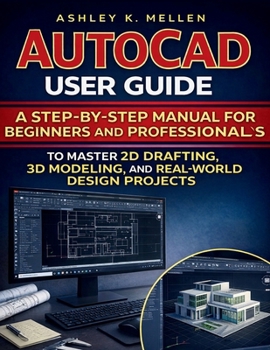
AutoCAD User Guide: A Step-by-Step Manual for Beginners and Professionals to Master 2D Drafting, 3D Modeling, and Real-World Design Projects

AutoCAD is the industry standard-but most tutorials leave you copying steps without truly understanding the workflow.
AutoCAD User Guide is a practical, step-by-step manual designed to take you from confused beginner to confident drafter-whether you're creating clean 2D drawings, exploring 3D modeling, or producing professional layouts ready for print and submission. Everything is explained in plain English, in the order you actually need it, so you build skill fast without feeling overwhelmed.
Inside, you'll learn how to:
Set up AutoCAD properly and understand key file formats (DWG, DXF, DWT, PDF)Navigate the interface with confidence and work faster using the command lineMaster essential drawing and editing tools (Line, Polyline, Trim, Extend, Offset, Array, Mirror, and more)Draft with precision using units, coordinates, object snaps, and tracking toolsOrganize like a pro with layers, properties, and clean drawing standardsAdd clear text, labels, and dimensions that print correctly and communicate intentReuse components efficiently with blocks, attributes, and external references (Xrefs)Create professional layouts, manage viewports, and export/publish correctlyTroubleshoot common issues and keep your workflow smooth and reliableWhether you're a student, a self-learner, or a working professional who needs AutoCAD skills for real projects, this guide is built to be both a learning companion and a long-term reference you'll come back to again and again.
If you're ready to stop guessing, stop jumping between random videos, and start producing clean, professional AutoCAD work with confidence-this is the guide that gets you there.
Scroll up and grab your copy today.
Customer Reviews
ThriftBooks ® and the ThriftBooks ® logo are registered trademarks of Thrift Books Global, LLC
