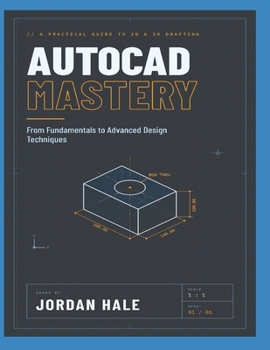
AutoCAD Mastery: From Fundamentals to Advanced Design Techniques

Whether you're opening AutoCAD for the first time or have used it for years without ever feeling fully in control, AutoCAD Mastery takes you from a blank drawing to professional-grade output.
Most people learn AutoCAD in fragments: a command here, a shortcut there, a workaround copied from a colleague. The result is drawings that take too long, files that break when shared, and a constant feeling that there must be a better way. There is. This book gives you a clear, structured path through the software, where each chapter builds one real skill on top of the last.
Written in plain language with step-by-step walkthroughs, it explains not just which command to use but why, so you can work confidently on architectural, mechanical and civil projects.
Inside, you will learn how to:
Set up the interface, units and drawing templates the right way from the startDraft with true precision using object snaps, tracking and coordinate inputOrganize complex drawings with layers, linetypes and object propertiesBuild reusable blocks, attributes and external references to save hours of repetitive workDimension and annotate drawings that meet professional standardsMaster layouts, viewports and plotting so your output looks exactly as intendedUse parametric constraints and dynamic blocks to create smart, flexible designsMove into 3D solid modeling and visualization with confidenceThis book is for you if you are:
A student or beginner who wants a solid foundation instead of scattered tutorialsA drafter, designer or engineer ready to work faster and with fewer errorsA self-taught user who wants to fill the gaps and finally use AutoCAD the way professionals doStop fighting the software and start designing with it. Scroll up and get your copy of AutoCAD Mastery today.
Customer Reviews
ThriftBooks ® and the ThriftBooks ® logo are registered trademarks of Thrift Books Global, LLC