


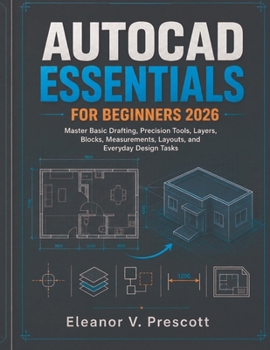
AutoCAD Essentials for Beginners 2026: Master Basic Drafting, Precision Tools, Layers, Blocks, Measurements, Layouts, and Everyday Design Tasks

AutoCAD becomes much easier when you stop trying to learn everything at once.
A beginner does not need hundreds of commands on the first day. You need to understand how a drawing is built, how AutoCAD software expects you to work, and which handful of tools you'll return to again and again.
AutoCAD Essentials for Beginners 2026 gives you that foundation.
The lessons begin with the actions that make later work possible: navigating the drawing area, entering commands, creating basic geometry, selecting and modifying objects, and placing lines and shapes where you actually intend them to go.
From there, the pieces begin to connect.
You'll discover why object snaps matter, how coordinates and drafting aids help remove guesswork, how properties control what you see, and how a sensible layer structure can turn a crowded drawing into something you can still understand tomorrow.
As your skills develop, you'll move into reusable components, accurate dimensions, annotations, and the relationship between the space where you create a design and the sheet where that design is finally presented.
The focus throughout is not on memorizing every button.
It is on building dependable habits.
You'll practice recognizing which command fits the task, modifying existing geometry instead of redrawing it unnecessarily, keeping related information organized, working more accurately with distances and positions, reusing common elements, and preparing drawings so they remain understandable as the project grows.
That makes this guide well suited to complete beginners, students entering drafting or design courses, technicians adding CAD skills to their work, hobbyists exploring technical drawing, and anyone who has opened AutoCAD software before but never developed a clear starting routine.
By working through the lessons in sequence, you'll begin to understand something more useful than a long command list: how the basic tools cooperate to produce a complete drawing.
Once that foundation is in place, more advanced features stop looking like an entirely different language. They become extensions of principles you already understand.
Open a blank drawing, make the first line deliberate, and build your AutoCAD foundation one accurate decision at a time.
Customer Reviews
ThriftBooks ® and the ThriftBooks ® logo are registered trademarks of Thrift Books Global, LLC
